
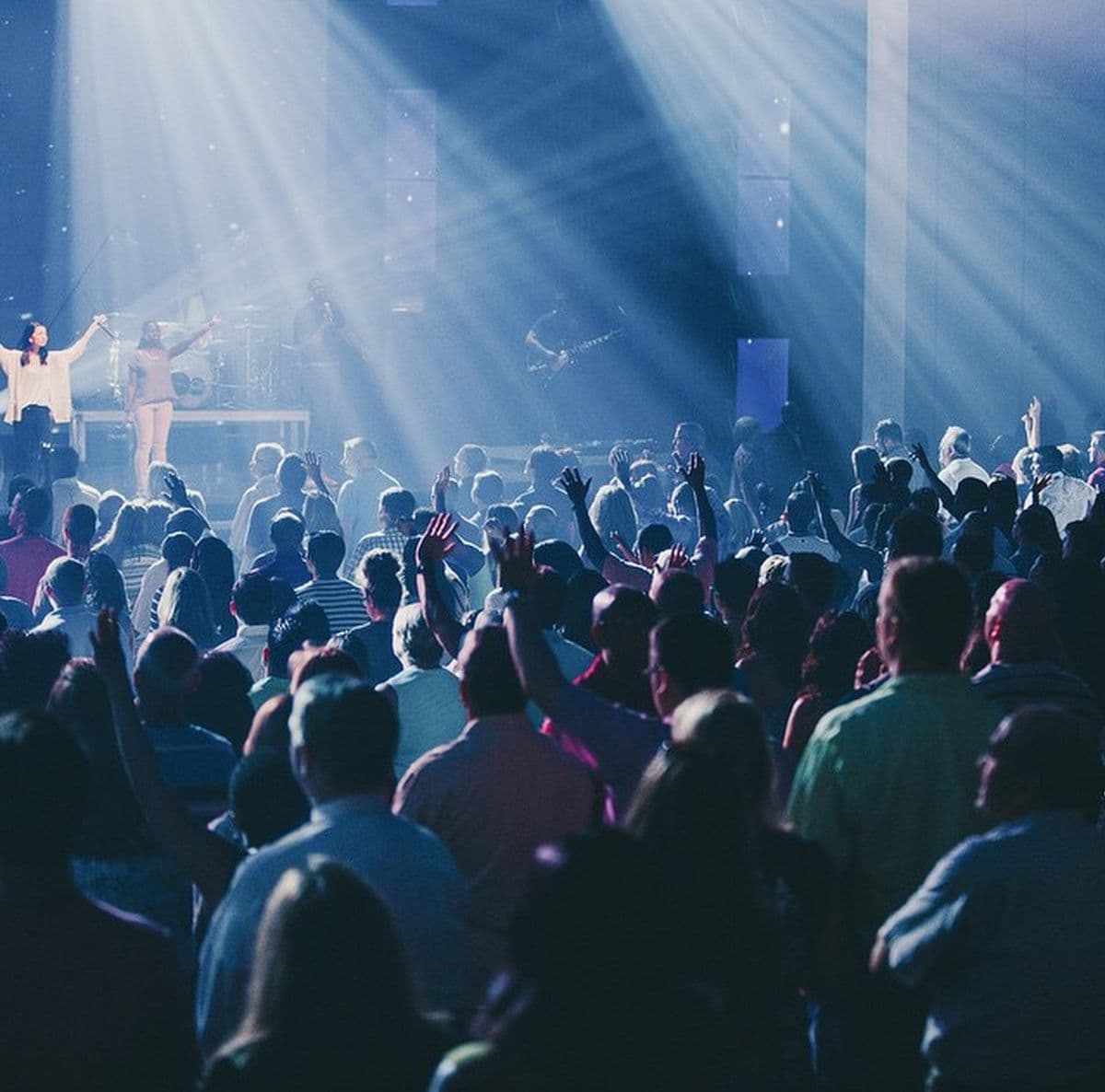
Ticketing a church convention is a different job from ticketing a concert. Whole families sign up at once, people come for several days, volunteers need their own access, and some attendees pay while others register for free. Piling on paperwork won't fix that. What you need is a clear plan for who gets in where.
Think about access before ticket names
Before you create a single ticket type, write down every group that needs to get in. That might be people attending the whole convention, one-day visitors, children, volunteers, speakers, workers and invited guests.
Next, decide what each group is allowed into. Doing this first stops you ending up with a long, confusing list of ticket names.
Be careful with multi-day passes
A three-day pass should say plainly whether it covers every session or only certain programmes.
If one ticket is good for several days, your check-in system has to accept it on each of those days, rather than flagging the second day's scan as a duplicate.
Keep group registration easy
In church groups, it's common for one person to sign up several people. Ask only for the details you really need about each attendee, and make the group order easy to see.
The group's confirmation should list everyone, or carry a clear group reference, so your registration team can sort out any questions quickly.
Keep tickets and donations apart
Conventions often collect registration fees and voluntary donations. Make it obvious which is which.
Label a donation as a donation. Label a payment that buys entry as a ticket or registration fee. That keeps your communication clear and your records and reconciliation simpler.
Cut queues with QR check-in
QR tickets let your team confirm registrations fast. Still, train your people and test the scanners first.
At a big venue, set up separate lanes for people who registered in advance, walk-ins and anyone with special access. A sensible lane layout can make as much difference as the software.
Prepare for a weak signal
Big crowds can swamp mobile networks. Find out whether your check-in setup can keep going if the connection drops for a while.
Test your devices, backup power and staff routines before the convention starts. The worst time to work out your offline plan is when hundreds of people are already waiting.
Look after attendees' details
Church registration might gather names, phone numbers, family details and other personal information. Ghana's Data Protection Commission expects organizations handling personal data to follow core principles, including using it only for its stated purpose, keeping it secure and being accountable. Data Protection Commission
Let attendees know what you're collecting and why.
Your plan for convention day
Put together a simple command sheet naming:
- who leads registration
- who leads payments
- who leads check-in
- who leads the volunteers
- who handles technical support
- who to escalate problems to
- how refunds or corrections are handled
Then walk through the first 30 minutes of arrivals as a rehearsal.
Connect everything in one workflow
The best setups tie together registration, payment, ticket creation, attendee records, check-in and communication.
For a broader look at setting up events digitally, read the event registration and ticketing guide.
What you're aiming for is a convention where your team knows exactly what to do, and nobody has to explain their registration story at the door.
Running convention ticketing on Aspec Hub
A big church convention needs more than a link for payments. It needs organized registration, ticket or pass types, payment tracking, attendee records and an easy check-in. Aspec Hub pulls all of that into one workflow.
Your team works from one central system instead of juggling several lists and payment records. Use Aspec Hub to make convention registration and ticketing simpler for your team and easier for everyone attending.
FAQ
How should a church convention handle multi-day tickets?
Spell out exactly what each pass covers, and use a check-in system that accepts it on every day it's valid for.
Can church groups register together?
Yes. Registering as a group saves manual work, as long as the system records each person clearly under one order or group reference.
Should donations and ticket fees be separated?
Yes. They serve different purposes, so label them clearly when people pay and in your reports.
How can church events reduce check-in queues?
Use clear ticket types, QR checks, trained staff, separate lanes where they help and a backup process you've already tested.
Reference Links
- Online voting guide
- Event registration and ticketing guide
- Voting platforms guide
- Event ticketing and voting platform